Your PC isn't too old. It just needs the right system. This book walks you step by step from Windows to Ubuntu 26.04, even if you've never opened a terminal.
Instant download · No subscription · One-time payment
★★★★★“My biggest fear was the terminal. To my surprise, the book took exactly that fear away.” Reader of the German 1st edition, 60+, switched after 30 years on Windows (Amazon.de review, translated)
Many people have wanted to leave Windows for a long time. But then the doubts creep in. That's exactly what this book was written for.
So the switch often stays a plan for “someday”. But the clock is running: Windows 10 gets security updates only until October 12, 2027. After that, the choice is a new PC, an unprotected system, or switching. Switch calmly now and you decide for yourself, not under time pressure.
Every single piece of information about Linux can be found somewhere for free.
The real problem isn’t a lack of information, but
the lack of a sequence.
Without structure, the transition often looks like this in practice:
This book replaces the piecemeal search with a clear sequence: from the first decision to productive
day-to-day use, chapter by chapter, in the order in which the transition actually takes place.
The value lies not in the knowledge itself—but in no longer having to piece it together.
Step by step through the complete switch - from the first decision to productive daily use.
A sober assessment, Windows vs. Linux comparison, why Ubuntu 26.04 LTS is the ideal starting point
Software inventory, data backup, hardware compatibility check, dual-boot vs. full switch
ISO & USB stick, installation wizard step by step, partitioning, full encryption
Language, display, printer, Wayland, desktop customizations – all graphical, no terminal
Firefox, Chrome, Brave, Thunderbird as Outlook alternative, Teams, Zoom, Slack
LibreOffice, Microsoft 365 in the browser, PDF tools, cloud storage alternatives
GIMP, Inkscape, Darktable, VLC, Kdenlive, Audacity, streaming services
Why the terminal isn't a step backwards – basic commands, Bash basics, nano & vim
APT, Snap, Flatpak, AppImage – find, install, and clean up software
Git, Python, Node.js, Java, Rust, VS Code, IntelliJ, Docker – the complete dev stack
Users & permissions, systemd, firewall, backup with rsync, Timeshift & BorgBackup
Reading log files, solving driver problems, effectively using community resources
LTS strategy, monitoring performance, security, encryption, Windows for edge cases
Local language models with Ollama, code assistants, Python ML stack, privacy with AI
Windows-to-Linux command reference, software equivalents, glossary, power one-liners - for quick lookup
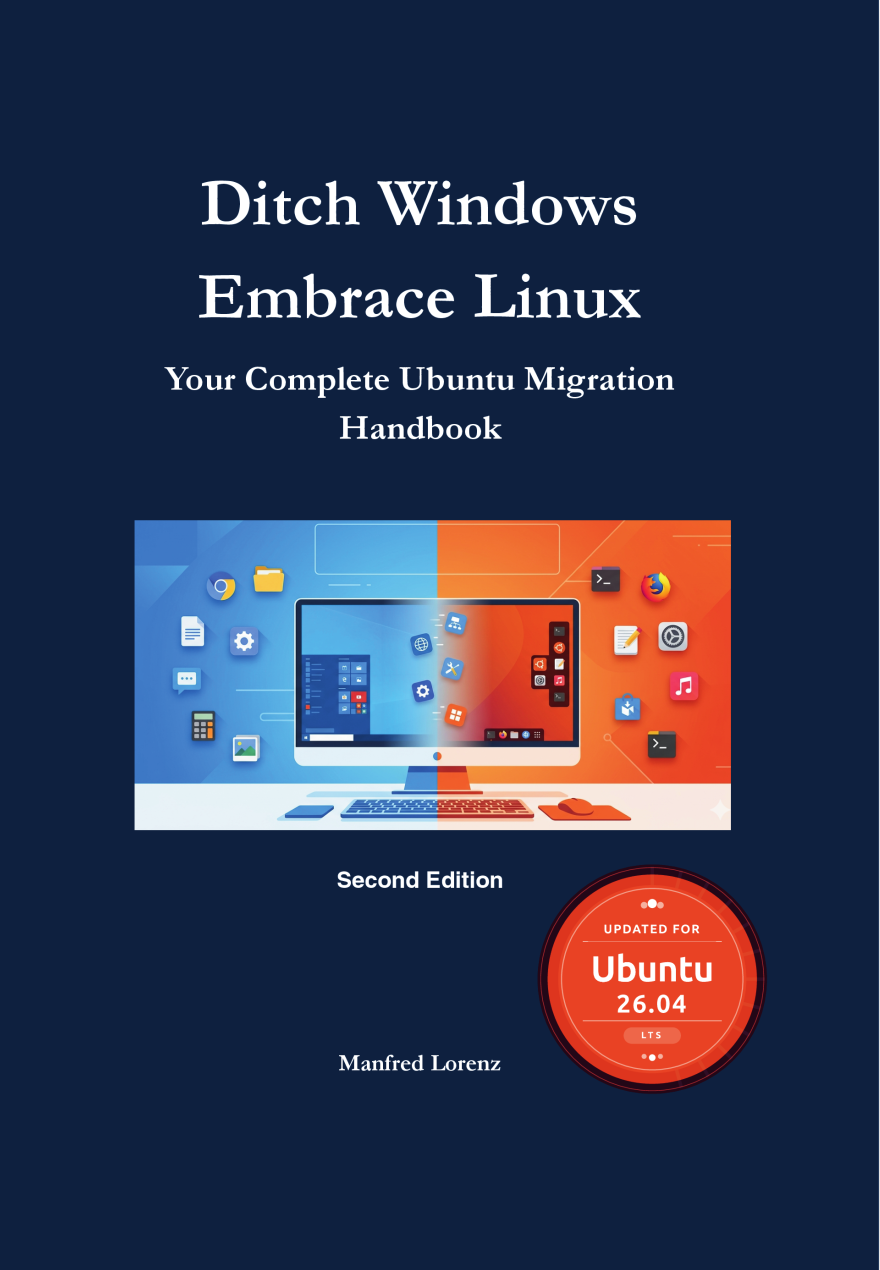
No prior knowledge needed. If you can operate a Windows PC, that's enough.
You use your PC for browsing, email, and office work - and finally want peace from Windows updates.
You've worked with Windows for decades, want to keep using your PC, and need a guide that assumes nothing.
No new Windows licenses, no antivirus subscriptions, no new PC just because of Windows 11.
You don't want Microsoft collecting every keystroke and website visit.
Readers of the German 1st edition on Amazon.de (translated):
30+ years on Windows, switched at 60+: “The author assumes no prior knowledge. My biggest fear was the terminal – the book took exactly that fear away. Today I work on Ubuntu, and above all: stress-free.”
10 years in Unix systems administration: “Well researched and quite complete. Even for me it's a great reference work. My absolute recommendation for anyone who wants to make the switch.”
“The commands are explained in detail with practical examples. This hands-on approach to a broad topic really appealed to me. In my view, a clear recommendation to buy!”
“Everything you fundamentally need to know for the switch is in here. A clear recommendation from me.”
“A well-explained guide for getting started with Linux.”
The step-by-step roadmap from preparation (backup!) to confident daily use - so you don't forget anything during the switch. Plus a few short, practical emails that make the move easier.
Almost there. You'll get a confirmation email in a moment - I'll only send the checklist after you click the link in it (double opt-in). Check your spam folder if it doesn't show up.
That didn't work just now. Please try again later.
You'll get a confirmation email - I'll only send the checklist after you click the link in it (double opt-in). No spam, no sharing of your data. Details in the privacy policy. Sent via Brevo: when you submit this form, the data you enter is transferred to Brevo for processing in accordance with Brevo's privacy policy.
Created from the book “Ditch Windows, Embrace Linux” - download them for free and dive right in. No purchase, no sign-up required.
Your first steps in the terminal - explained clearly, with zero prior knowledge needed.
Download PDF →The most common Linux commands at a glance - print it out and keep it handy.
Download PDF →The right Linux alternatives to the Windows programs you already use.
Download PDF →All three PDFs are excerpts based on the book “Ditch Windows, Embrace Linux”. You'll find the complete hands-on content in the book.
$9.99 once, no subscription. For comparison: a new computer, just because Windows 11 won't run on your old one, costs many times more.
14-day money-back guarantee via Digistore24. If the book doesn't help you, you get your money back.
Payment via PayPal, credit card, SEPA · Secure checkout via digistore24
Prefer print? Paperback on Amazon
Do I need technical prior knowledge?
No. The book is deliberately written for beginners. Anyone who can operate a Windows PC can also make the switch to Linux - if the guide is clear enough. That's exactly the goal of this book.
Will this work with my old PC?
In most cases, yes. Ubuntu 26.04 runs on PCs where Windows 11 is too sluggish or no longer available. The book explains how to check your hardware's compatibility.
On which devices can I read the PDF?
The PDF can be opened on PC, laptop, tablet, and smartphone - with any standard PDF program. No account or special app is required.
Can I go back to Windows if it doesn't work out?
Yes. Chapter 2 shows how to back up everything first and whether dual-boot suits you. Then Windows stays installed, and you choose at startup which system boots. Chapter 13 explains how to keep Windows for the odd exception.
Isn't all of this free online?
Piece by piece, yes. What's missing is the order. The book walks through the switch in the sequence it actually happens, for one Ubuntu version and without contradictory forum advice.
Prompt engineering for beginners: the P-R-A-K-T framework, 7 techniques and 50 ready-made prompt templates.
The German edition of this migration guide - der praktische Umstieg auf Ubuntu 26.04 LTS. PDF €12.99
The blog behind the book: new articles on Ubuntu and Linux Mint - support windows, drivers, ageing hardware, updates.
Picture the moment your computer starts and nothing asks you for a Microsoft account. The way there is in the book, chapter by chapter. Today, the first step is enough: get the book and read Chapter 2.
Linux Instead of Windows - $9.99 →We would like to load a script from Digistore24. For 7 days it remembers which partner link brought you here, so that partner receives a commission. Your IP address is sent to Digistore24. Without consent, buying works exactly the same. Privacy Policy