Ditch Windows, Embrace Linux: Your Complete Ubuntu Migration Guide | PDF Download
New: 2nd Edition - Ubuntu 26.04 LTS

Ditch Windows - Embrace Linux

The practical guide to a complete switch - no prior knowledge, no risk, no frustration.

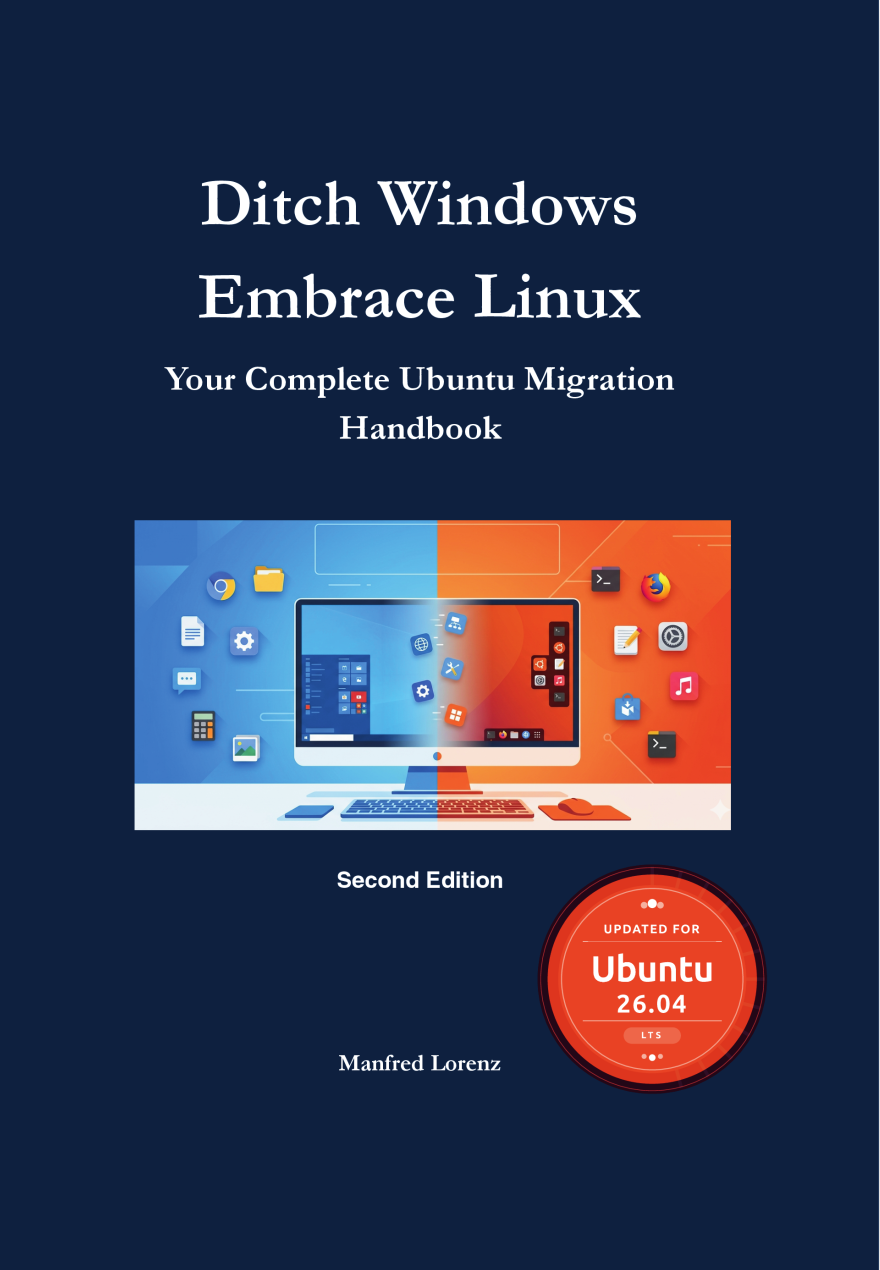
Book cover: Ditch Windows, Embrace Linux
300 pages PDF
+ Bonus Command Poster
+ Bonus Hardware-Guide
€12.99

Instant download · No subscription · One-time payment

PDF eBook Current 2nd Edition Ubuntu 26.04 LTS For Beginners

Windows is frustrating – but switching seems impossible

Many people have wanted to leave Windows for a long time. But then the doubts creep in. That's exactly what this book was written for.

Everything in one place—instead of twenty open browser tabs

Every single piece of information about Linux can be found somewhere for free. The real problem isn’t a lack of information, but the lack of a sequence.

Without structure, the transition often looks like this in practice:

This book replaces the piecemeal search with a clear sequence: from the first decision to productive day-to-day use, chapter by chapter, in the order in which the transition actually takes place.

The value lies not in the knowledge itself—but in no longer having to piece it together.

Contents

What's inside the book

Step by step through the complete switch - from the first decision to productive daily use.

Chapter 1

Why Linux?

A sober assessment, Windows vs. Linux comparison, why Ubuntu 26.04 LTS is the ideal starting point

Chapter 2

Preparation Is Everything

Software inventory, data backup, hardware compatibility check, dual-boot vs. full switch

Chapter 3

Installing Ubuntu

ISO & USB stick, installation wizard step by step, partitioning, full encryption

Chapter 4

Setting Up the GNOME Desktop

Language, display, printer, Wayland, desktop customizations – all graphical, no terminal

Chapter 5

Browser, Email & Communication

Firefox, Chrome, Brave, Thunderbird as Outlook alternative, Teams, Zoom, Slack

Chapter 6

Office Work & Productivity

LibreOffice, Microsoft 365 in the browser, PDF tools, cloud storage alternatives

Chapter 7

Media Playback & Graphics

GIMP, Inkscape, Darktable, VLC, Kdenlive, Audacity, streaming services

Chapter 8

Understanding the Terminal

Why the terminal isn't a step backwards – basic commands, Bash basics, nano & vim

Chapter 9

Installing & Managing Software

APT, Snap, Flatpak, AppImage – find, install, and clean up software

Chapter 10

Setting Up a Development Environment

Git, Python, Node.js, Java, Rust, VS Code, IntelliJ, Docker – the complete dev stack

Chapter 11

System Administration & Networking

Users & permissions, systemd, firewall, backup with rsync, Timeshift & BorgBackup

Chapter 12

When Things Don't Work

Reading log files, solving driver problems, effectively using community resources

Chapter 13

Running Ubuntu Long-Term

LTS strategy, monitoring performance, security, encryption, Windows for edge cases

Chapter 14

AI Tools on Linux

Local language models with Ollama, code assistants, Python ML stack, privacy with AI

Appendices A-E

Reference & Cheat Sheets

Windows-to-Linux command reference, software equivalents, glossary, power one-liners - for quick lookup
What awaits you after reading

Target audience

Who is this book for?

No prior knowledge needed. If you can operate a Windows PC, that's enough.

🖥️

Home Users

You use your PC for browsing, email, and office work - and finally want peace from Windows updates.

👴

Seniors & Returners

You want to keep using your old PC and need a clear, understandable guide.

💸

Budget-Conscious Users

No new Windows licenses, no antivirus subscriptions, no new PC just because of Windows 11.

🔒

Privacy-Aware Users

You don't want Microsoft collecting every keystroke and website visit.

Written by someone who lives it every day

ML

Manfred Lorenz

SAP Integration Architect with over 30 years of IT experience. Published author of technical and practical books on Amazon KDP - in German and English.

In this book I share the path I walked myself - without academic jargon, but with concrete step-by-step instructions.

30+ Years IT Linux Practitioner KDP Author

What readers of the first edition say

Comments from readers of the 1st edition:

★★★★★

“Linux instead of Windows – why not sooner?”

30+ years on Windows, switched at 60+: “The author assumes no prior knowledge. My biggest fear was the terminal – the book took exactly that fear away. Today I work on Ubuntu, and above all: stress-free.”

★★★★★

“A genuinely good book for the switch”

10 years in Unix systems administration: “Well researched and quite complete. Even for me it's a great reference work. My absolute recommendation for anyone who wants to make the switch.”

★★★★★

“Excellent book for getting to know and working with Linux”

“The commands are explained in detail with practical examples. This hands-on approach to a broad topic really appealed to me. In my view, a clear recommendation to buy!”

★★★★★

“Great book for switching to Ubuntu”

“Everything you fundamentally need to know for the switch is in here. A clear recommendation from me.”

★★★★★

“Well-explained guide for getting started with Linux”

“A well-explained guide for getting started with Linux.”

Three free PDFs to get you started

Created from the book “Ditch Windows, Embrace Linux” - download them for free and dive right in. No purchase, no sign-up required.

All three PDFs are excerpts based on the book “Ditch Windows, Embrace Linux”. You'll find the complete hands-on content in the book.

Price

Buy once. Use forever.

No subscription. No hidden costs. One-time download.

PDF Download
€12.99

Paperback on Amazon: $17.99

  • Complete eBook as PDF
  • + Bonus Command Poster PDF
  • + Bonus Hardware-Guide PDF
  • Instant download after purchase
  • Current 2nd Edition (Ubuntu 26.04 LTS)
  • Readable on all devices
  • No subscription, one-time payment
  • Incl. applicable VAT
Buy now & download instantly

Payment via PayPal, credit card, SEPA · Secure checkout via digistore24

Or buy at Amazon
Frequently Asked Questions

Still have questions?

Do I need technical prior knowledge?

No. The book is deliberately written for beginners. Anyone who can operate a Windows PC can also make the switch to Linux - if the guide is clear enough. That's exactly the goal of this book.

Will this work with my old PC?

In most cases, yes. Ubuntu 26.04 runs on PCs where Windows 11 is too sluggish or no longer available. The book explains how to check your hardware's compatibility.

On which devices can I read the PDF?

The PDF can be opened on PC, laptop, tablet, and smartphone - with any standard PDF program. No account or special app is required.

Is there a printed version of the book?

Yes. The paperback is available on Amazon (ASIN: B0H4F2DL3Y). This PDF is the more affordable, instantly available version - identical content.

More books

More hands-on guides

🤖

Es liegt nicht an ChatGPT (German)

Prompt engineering for beginners: the P-R-A-K-T framework, 7 techniques and 50 ready-made prompt templates. PDF €9.99

🇩🇪

Linux statt Windows (German)

The German edition of this migration guide - der praktische Umstieg auf Ubuntu 26.04 LTS. PDF €12.99

Ready to switch?

Download the book now and take your first step towards Linux today.

Linux Instead of Windows - €12.99 →